 SVAYAM
Butler and staff calling system
One press of a button, and the right person knows within a second.
The live demo runs in your browser on sample data. Nothing you do is saved or sent anywhere.
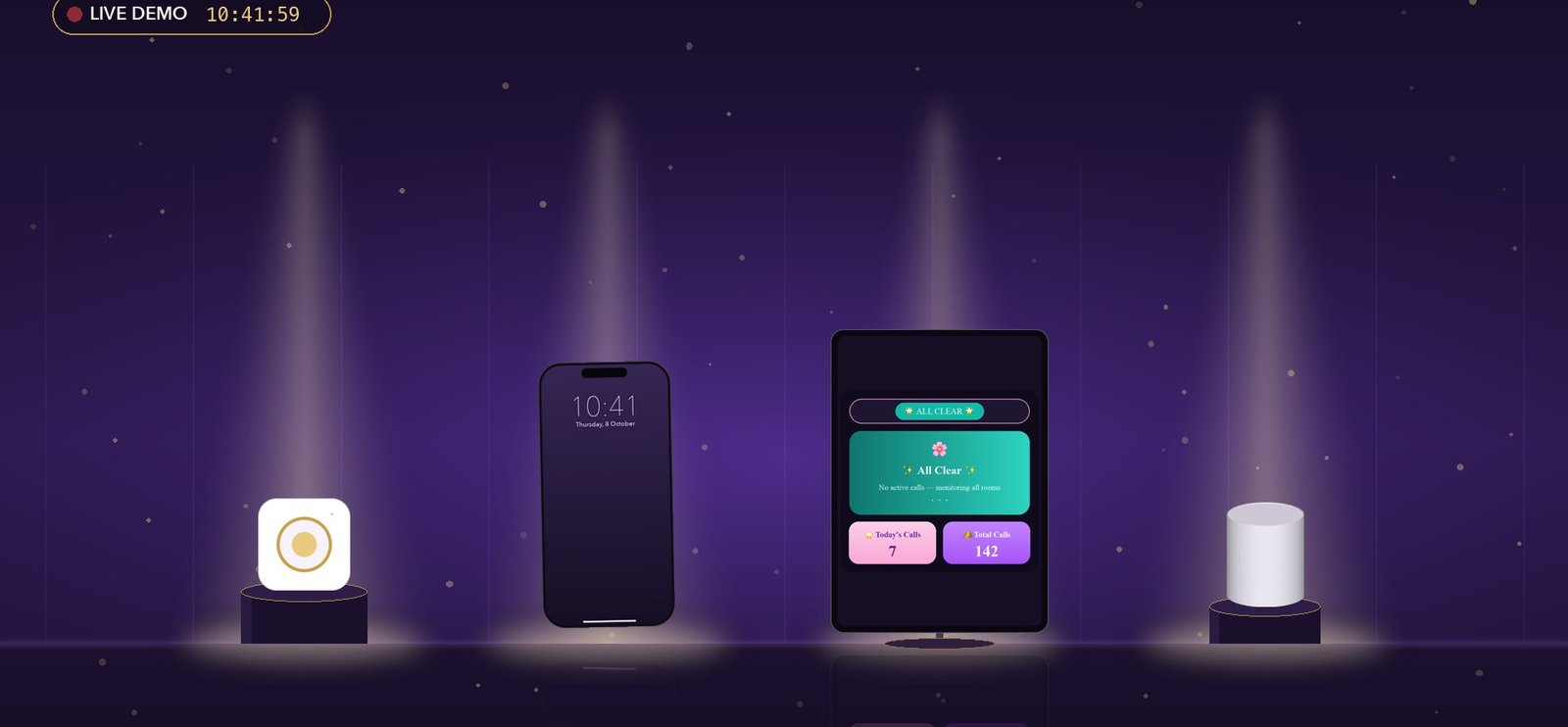
The problem it solves
People need to ask for help without walking, shouting or phoning. The system makes sure the right person hears about it on their phone, every screen and out loud, and that nobody is left waiting if no one answers.
What the Butler Calling System does
One wireless button, three calls
A small Zigbee button recognises single, double and press-and-hold, so one button can reach three different desks.
Call from the screen too
Each room has a tile on the dashboard; a tap raises the same call as the button.
Phone, screens and voice together
A sticky high-priority phone alert, every screen and a spoken HomePod announcement, all within a second.
Accept from the lock screen
Tap 'I am going' on the notification without unlocking; everyone sees who is on the way.
One-tap ETA
After accepting, tell the caller 2 minutes, 5 minutes or on my way; it is spoken and shown on every screen.
Escalation after 3 minutes
If nobody accepts in 3 minutes, every phone gets an urgent alert and the speaker says the caller is still waiting.
Single or multiple call modes
Handle one call at a time, or several rooms at once with a Call Queue, newest on top.
A screen for each person
Live Dashboard, Call Queue, personal desk views and locked kiosk screens for wall tablets.
Record of service
Calls today, total calls and a 24-hour call history.
Routing set for your site
Buttons, names, rooms and who covers what are set per site; the way it works stays the same.
How it looks
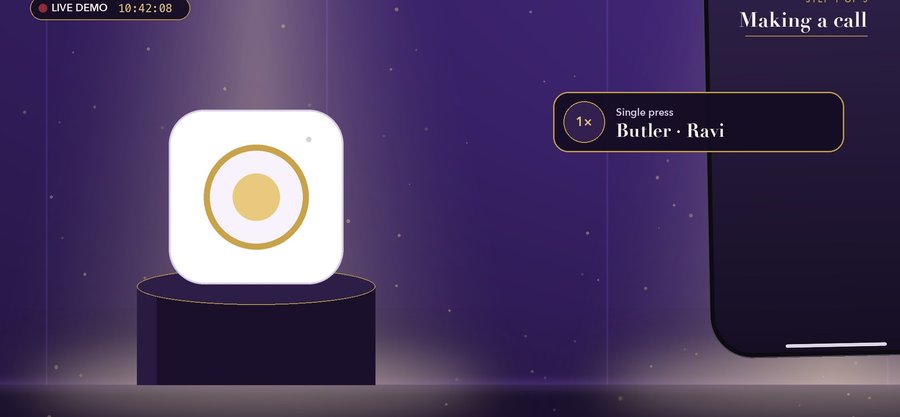
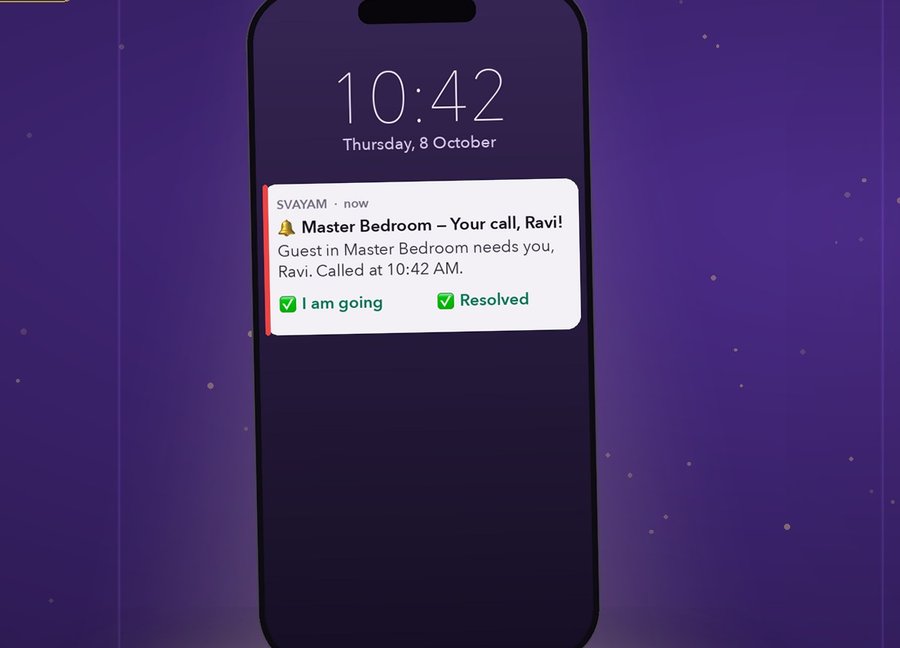
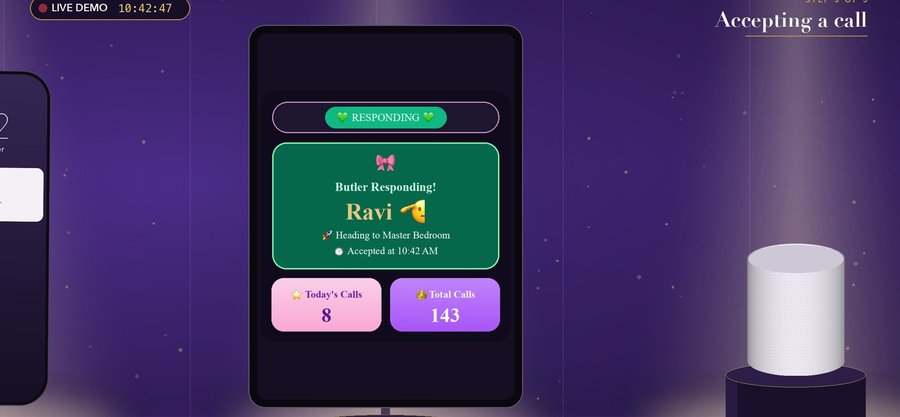
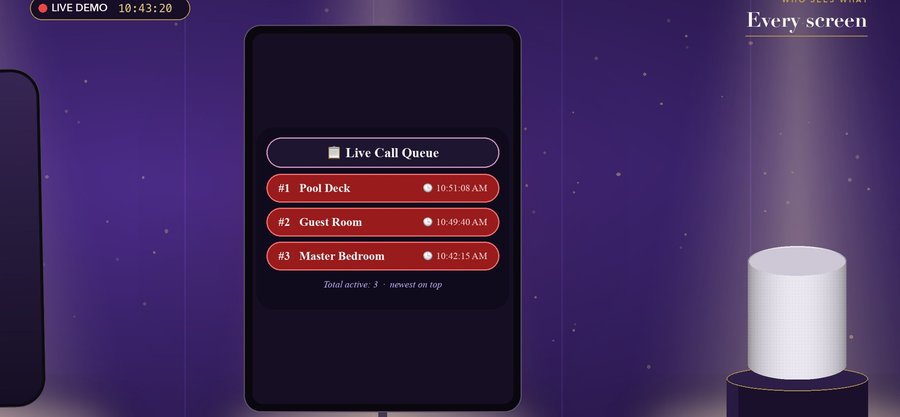
Screens from our own videos and sample projects.
Measured, not promised
How it works
Call: press the button or tap a room on the screen.
Alert: phone notification, every screen and the HomePod voice.
Accept: 'I am going' on the phone or screen stops the escalation timer.
ETA: one tap tells the caller when you'll arrive.
Resolve: the call closes and screens return to All Clear.
Good to know before you start
- In Single mode a new press is ignored while another call is open (by design).
- Resolving from the phone clears every open call; in Multiple mode resolve from your own desk view.
- Phones must keep the app signed in, notifications allowed and battery saving off for it.
- The spoken voice is English text-to-speech.
- The HomePod must be on the same Wi-Fi network and plugged in.
Questions people ask about Butler Calling System
What happens if nobody answers?
After 3 minutes with no one accepting, every phone gets an urgent alert and the HomePod says the caller is still waiting.
What if the HomePod is offline?
The call still goes through; phones and screens are alerted as normal.
Can several rooms call at once?
Yes, in Multiple Call Mode; each call alerts its own attendant and appears in the Call Queue.
Do staff need to open the app to accept?
No. They tap 'I am going' on the notification without unlocking.
What is it built on?
Home Assistant with a Zigbee call button, a phone app for staff and an Apple HomePod for the voice.
Where can it be used?
Villas, hotels and serviced apartments, offices, clinics and elder care, restaurants, lounges, spas and showrooms.
See it on your own project
Every system here is in daily use at Ebullient Automation Pvt Ltd. Try the live demo yourself, then talk to us about setting it up for your team.
- Company
- Ebullient Automation Pvt Ltd
- Address
- A-52, 3rd Floor, Pravasi Industrial Estate, Goregaon East, Mumbai, Maharashtra 400063
- Phone
- +91 70212 11628
- hello@ebullientlife.in