 SVAYAM
A photo of your room that controls its lights
Control your lights by tapping a real photo of your room.
The live demo runs in your browser on sample data. Nothing you do is saved or sent anywhere.
The problem it solves
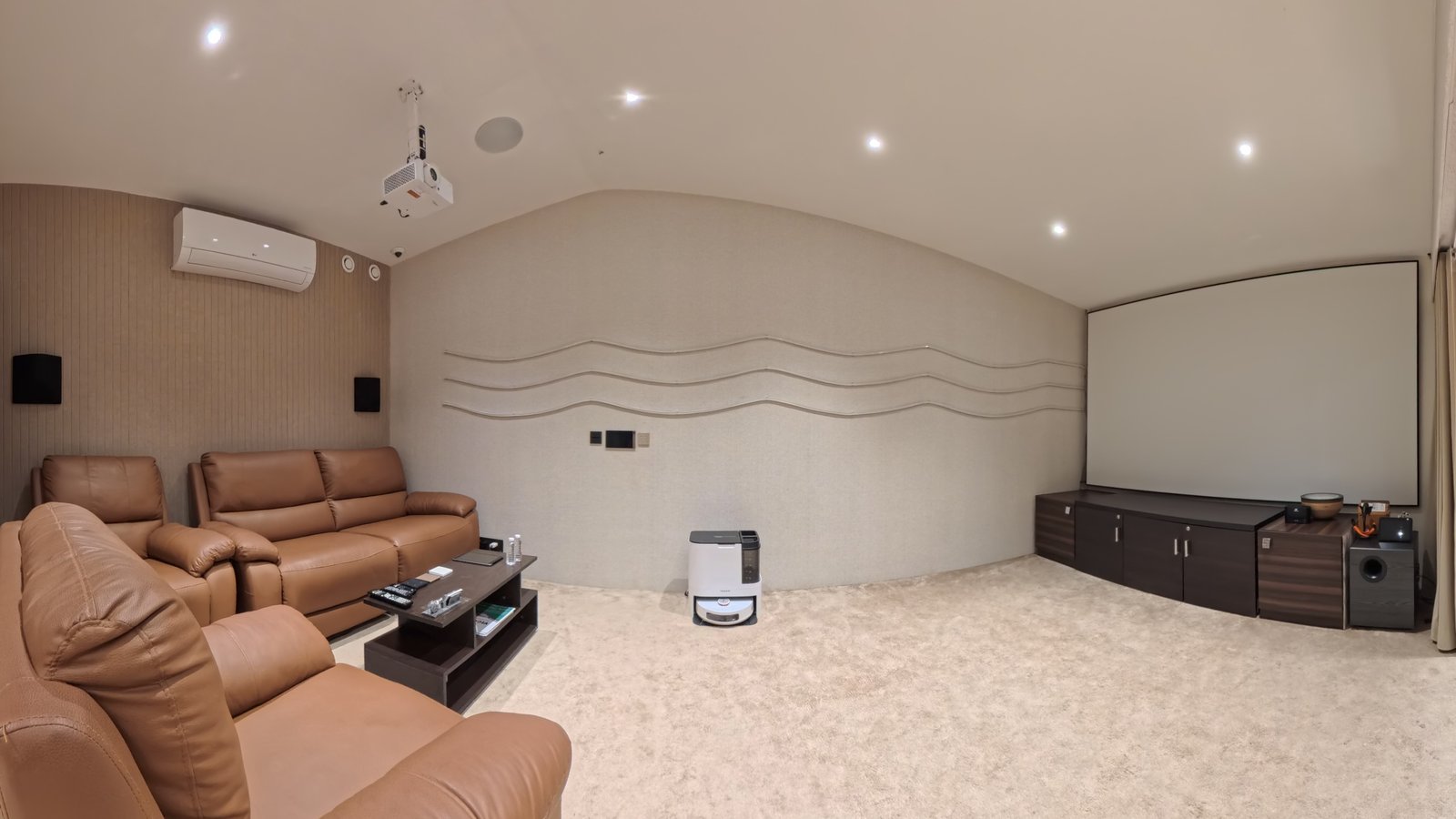
Smart home dashboards are icons and lists like 'Light 1, Light 2' that nobody else in the house can decode. Svayam 3D makes the room itself the control: each room is a real photo and the photo changes to show the room under the lighting you choose.
What Svayam 3D does
Real photo of your room
Each room is a real 360° photograph with tappable points that switch the real devices.
Photo and room in sync
Tap a light in the photo and the real light turns on at the same moment; the photo shows the new lighting.
Dimming
Dim any light and see the brightness change in the photo.
Warm to cool white
Tune colour temperature from warm to cool white.
RGB colour
Pick any RGB colour for colour-capable lights.
Groups and scenes
Run groups and whole-room scenes; each group can have its own photographed lit state.
Exact scenes
Every state reachable from a scene button matches its real photograph exactly.
Opens in under a second
Pre-computed lighting layers mean a room is usable in about half a second, even on a new device.
Runs inside Home Assistant
A Home Assistant sidebar panel; content is deployed as one exported bundle.
How it looks
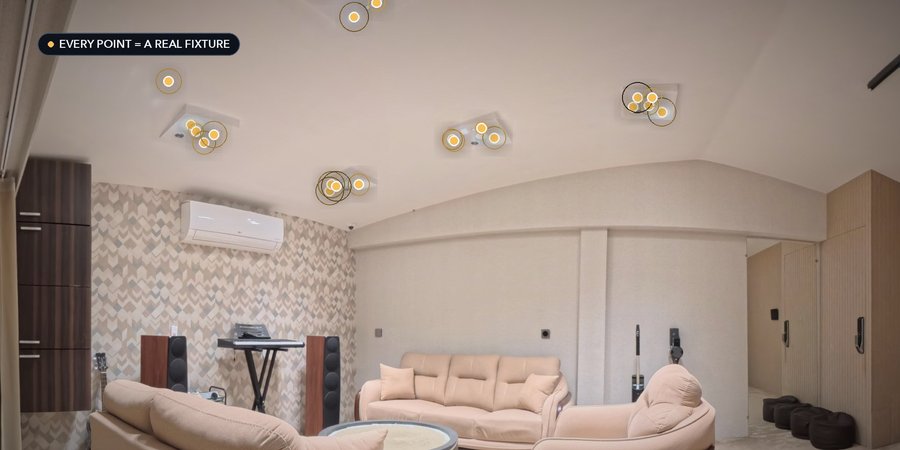
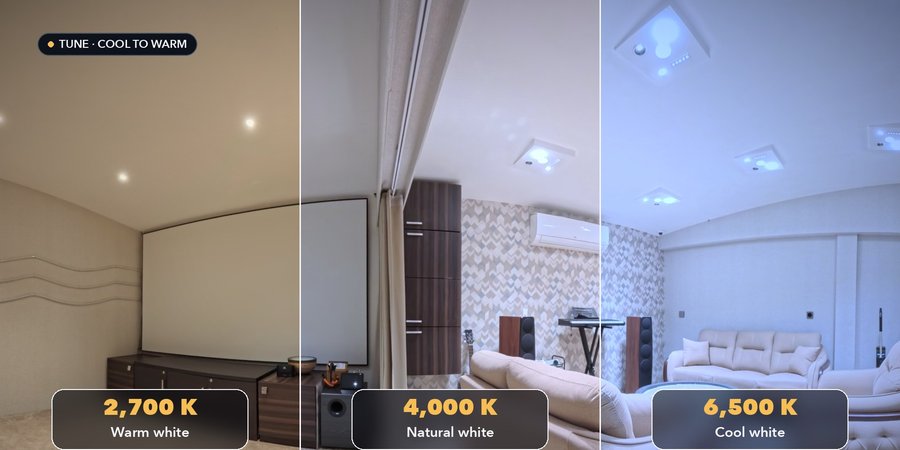
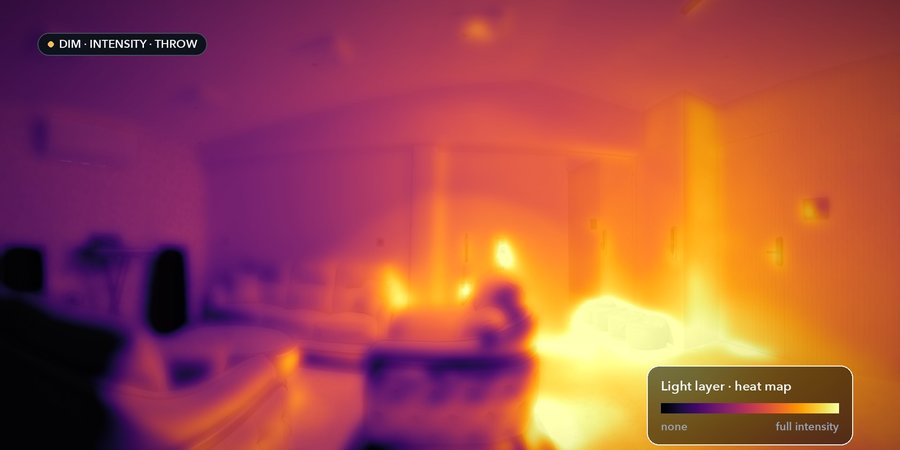
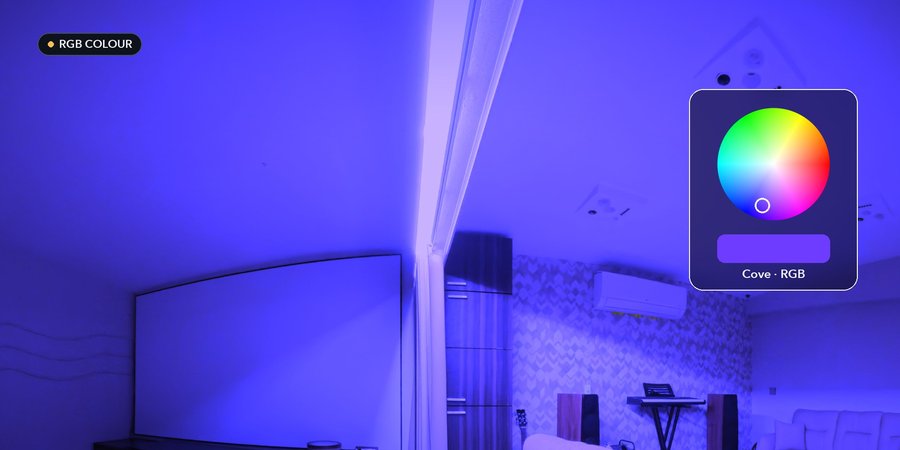
Screens from our own videos and sample projects.
Measured, not promised
How it works
Photograph the room: one with all lights off, then each light and each group lit.
Upload the photos and place each light on the photo, linked to its Home Assistant device.
Export one bundle and copy it to the Home Assistant server.
Open the panel and tap, dim, tune colour or run scenes on the photo.
Good to know before you start
- Hand-picked combinations of individual lights not covered by a group are an estimate.
- Always export from the main laptop; viewing devices only hold the processed images.
- Renaming a group orphans its scene photo; re-upload after renaming.
- The original 8000×4000 photos live only in the main laptop's browser storage.
Questions people ask about Svayam 3D
Does it need Home Assistant?
Yes. It is a Home Assistant sidebar panel served from the Home Assistant server.
Why does the room look black at first?
The base photo is the room with every light off; turn a light on to see the photography.
How do I update the photos?
Upload in the Photo Manager on the main laptop, click Export Server Bundle, and copy the folder to the server.
Is it accurate for every combination?
Scene states are exact; hand-picked combinations of individual lights are an estimate.
See it on your own project
Every system here is in daily use at Ebullient Automation Pvt Ltd. Try the live demo yourself, then talk to us about setting it up for your team.
- Company
- Ebullient Automation Pvt Ltd
- Address
- A-52, 3rd Floor, Pravasi Industrial Estate, Goregaon East, Mumbai, Maharashtra 400063
- Phone
- +91 70212 11628
- hello@ebullientlife.in